Are you also searching for how to make resume which can stand out in today’s economy? In order to be successful with your resume you need three important things – a great format, Keywords that will get you through an ATS based system, and most importantly where do you put your content.
- What Makes a Good Resume in India
- How to Make Resume Which is ATS Friendly
- How To Make Resume For Freshers (With No Experience)
- How to Make Resume in Canva
- How To Make Resume With Best Free Resume Builder Tools
- Selecting the Right Resume Template
- Tips For An Enhanced Resume (Common Mistakes)
- Final Application Checklist
- Frequently Asked Questions
- Conclusion
The majority of Indian graduates do not follow the basics correctly by using the wrong font and using fancy design layouts which are not appealing to recruiters and are not including all of the required contact information. This detailed and easy-to-use guide will show you how to make resume in less than 30 minutes using Canva, a free resume builder.
What Makes a Good Resume in India
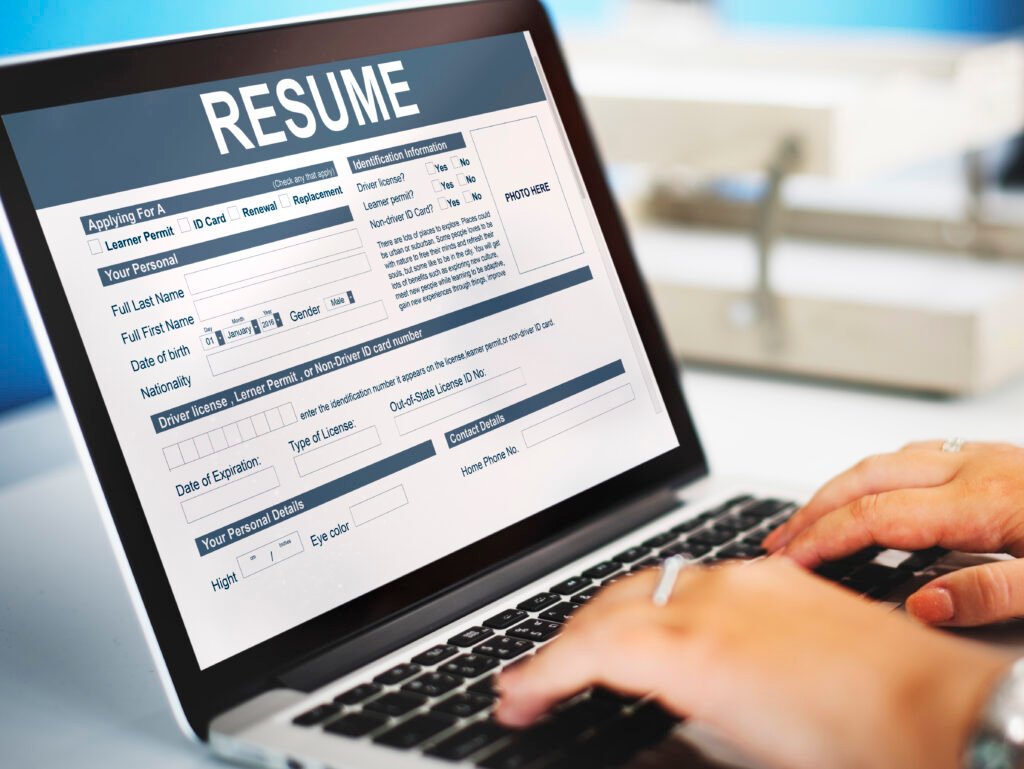
In India, Recruiters typically dedicate a mere 6 seconds of time to reviewing resumes. This means they review a multitude of resumes daily and make a quick decision about whether or not to contact candidates based on the resume.
In those 6 Seconds, Recruiters Look For:
- Your Name and Phone Number (at the Top of Page)
- Your Latest Educational Degree or Job Title
- One Outstanding Accomplishment
- Clean Formatting & No Spelling/Grammar Errors
The resume should not tell the entire story of a candidate’s life; however, similar to a WhatsApp status, it should be short, straight to the Point and Catch Attention!
What Recruiters Are Looking For In A Resume In India:
The majority of Indian Companies, Start-ups & MNCs (Multinational Companies) utilise a Software Solution called ATS (Applicant Tracking System). This Software scans through your Resume before it is ever seen by a human being. If they do not like the format of your resume the robot automatically sends your application directly to the trash can.
Did You Know?: 75% of resumes are rejected by ATS before they are even reviewed by a human being?!! This is very scary but can be easily avoided if you know what the rules are.
How to Make Resume Which is ATS Friendly
The ATS is a Worker’s Responsibility Club. If you don’t have what it takes to join the club, you won’t get in, even if you fit all the other criteria set out by the club.
How does the ATS work?
The ATS scans through applicant resumes looking for keywords that match the criteria set in the Job Description. For example: If you were applying for a Digital Marketing Executive role, the job description may have listed SEO, Google Ads, Social Media, etc. Therefore, your resume should have exactly those same keywords in order for ATS to accept your resume.
Rules for a Resume that will be accepted by ATS include:
- Use standard fonts such as Arial, Calibri, Times New Roman
- No tables, text boxes, or Headers/Footers
- Save as a .doc or PDF file (make sure you read the job posting)
- Use simple section titles such as Work Experience instead of My Journey
- Do not add any images, graphics, or fancy design to your resume.
- Use left-aligned text, left-to-right
- Standard Bullet Points, not stars or check marks.
How To Make Resume For Freshers (With No Experience)
To begin with how to make resume, most freshers have no internships, full-time jobs or major projects. In fact, recruiters don’t expect to see that kind of experience. They look for clarity, effort and potential.
A fresher’s resume should look ‘job ready’, rather than trying to impress.
Basics Can Make or Break a Resume
Your name, phone number, email and city are the basics of your resume.
If you have an updated LinkedIn profile, include that too.
Make sure your email is professional and does not contain your childhood username.
This shows recruiters that you took the time to make a good impression.
Let Them Know What You Are Looking For
Write your career objective in 2-3 clear lines.
Include:
- The role you are applying for
- One or two skills that you have
- Any certifications or practical experience you may have
When the recruiter sees this they will immediately know where you fit in.
Education Is The Best Foundation
For freshers, their education is much more important than their experience.
List your degree, college, year and marks.
Don’t feel pressure to have perfect marks; just be honest about them and if they are average, then you can cover up with your skills and/or certifications.
Technical and Soft Skills Are More Important Than You Think
Recruiters quickly scan resumes, so make it easy for them to find your skills. The best way to do this is by separating your skills into technical and soft skills.
Always align your skills with the job description as much as possible, if the job says they need Excel, then put Excel on your resume out in plain view. Being simple is far better than trying to be clever and smart with wording.
The Most Common Roadblock for Freshers, No Experience? Create Your Own!
The biggest stumbling block for most freshers is “I have no work experience”, this is where those who think further outside the box can distinguish themselves. Just because you have not had an internship does not mean you do not have experience.
If you have taken any online courses, created projects while in college, volunteered to design something or completed your own personal project, this counts as work experience if you present it properly. Make sure you show:
- What you did
- What tools you used
- What was the result?
If you use numbers and outcomes, even the smallest of accomplishments will become significant. These results will show you have reliable experience developing or creating things.
Certifications Show Intent
Buy or take free courses to earn a certification. Either option will show the recruiter that you are not waiting for a chance, but that you are preparing for a chance by taking action.
When creating your resume only mention certifications that are relevant to the job you are applying for and keep them as recent as possible.
Achievements Show Personality
Awards, competitions, organizing experiences or mastering a particular subject are all indicative of your initiative and confidence. You don’t need to include many achievements; two or three noteworthy achievements will suffice.
Keep It Clean and Simple
Avoid heavy designs, funky fonts or long paragraphs; your resume should contain one page of information, have clear headings and be easy to read. Keep in mind the point of the fresher’s resume is not to prove how good you are;
How to Make Resume in Canva
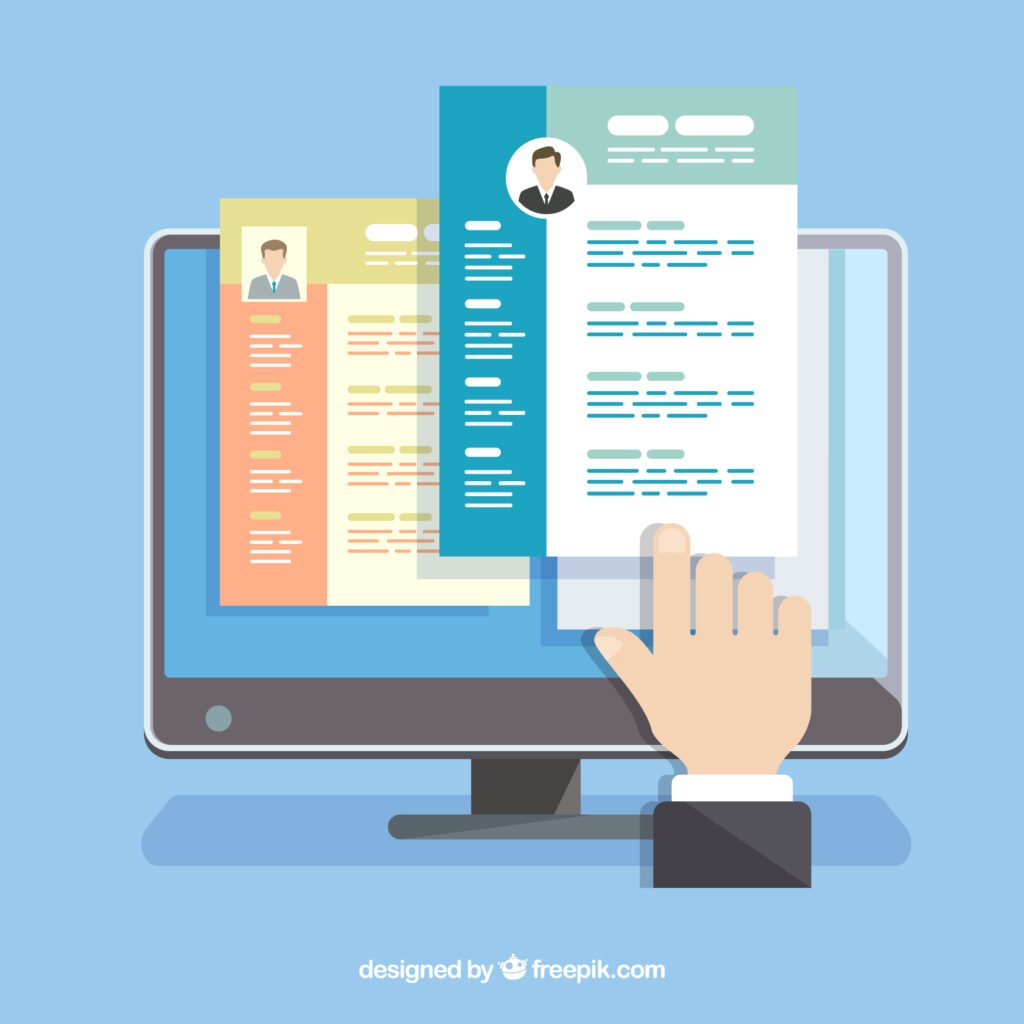
While you may find Canva resumes appealing, they often lack the necessary format to be compatible with Applicant Tracking Systems (ATS). Most of the templates contain designs with vibrant colors and layouts that will not be read correctly by ATS software.
If you’d still like to know how to make resume using the Canva program, try these steps:
- Search for “Simple Resumes” or “ATS-Friendly Resumes” within Canva.
- Select a one-page design with no extra graphics.
Follow the steps to learn how to make resume in Canva:
- Visit canva.com (you can create an account for free)
- Type resume into the search box and click on Free.
- Select a Simple One-Column Resume Design.
- Click on the Customize This Template button.
- Delete all of the dummy text from the design and replace it with your own information.
- Be sure to use a body font size between 10 and 12 points and heading font size between 14 and 16 points.
- Use standard fonts (such as Arial, Helvetica, and Georgia).
- To download, go to File > Download > PDF Standard.
- Before submitting an application, upload your Canva resume onto the multiple free ATS
Checkers available online for checking its compatibility with ATS Systems.
How To Make Resume With Best Free Resume Builder Tools
Several free tools make it easy to learn how to make resume that looks professional and ATS-friendly. You do not need to spend Rs. 500 on a resume builder to create a great resume. There are several free to use resume building tools that can help you with your resume.
- Novoresume (Partially free) – A great tool for clean and professional template and you can create an ATS friendly resume. Novoresume has INR pricing available for Premium templates.
- Resume.io – A resume builder that is quick and easy to use that will help you build your resume. It is mostly ATS friendly with limitations of 1 free download of your resume.
- Google Docs Resume Templates – 100% free resume templates and you will be able to create a simple layout. It is ATS friendly if you only use simple templates. Access to Google Docs > Template gallery > Resume template gallery.
- Zety resume builder – A resume builder that gives you tips throughout the resume building process and creates an ATS friendly resume. Although you are able to create a resume free you will have to pay to download. You can copy/paste your resume.
- Microsoft Word Resume templates – You can edit your resume offline, plus you will have complete control over the layout of your resume. It is also ATS friendly. To create your resume through Word, you just need to open Microsoft Word, click on New and search for “resume”.
Suggested for CareerGrowKaro (for freshers): Google Docs templates; as they can create a free, simple and easy-to-use resume.
Selecting the Right Resume Template
When it comes to how to make resume, choosing the right template is just as important as the content itself. Resume templates are not interchangeable between jobs – there is no one-size-fits-all. So how do you choose the right one?
To Select Corporate Job Templates (e.g. banking, consulting, finance):
Choose a Traditional single-column template, using black/white, Times New Roman or Calibri font, and conservative/formal format.
To Select Creative Job Templates (e.g. design, marketing, content):
Choose a Clean and Modern template, using an accent colour of your choice, with an Arial, Helvetica or Montserrat font, and Professional yet Personal style.
To Select Tech Job Templates (e.g. IT, Software, Data):
Choose a skills-based template (focus on skills), using a Calibri/Arial font in simple style.
Resume Template Comparison Matrix
| Common Template Types | ATS-Friendly | Best Use? | Avoid If |
| Chronological | Yes | Traditional jobs | Career gaps, etc. |
| Functional | Sometimes | Career changers | fresh graduates |
| Combination | Yes | Experienced Professionals | Zero Experience |
| Simple One-Page | Yes | Freshers or Interns | 5+ Years Experience |
Tips For An Enhanced Resume (Common Mistakes)

After learning how to make resume, you may think you’ve finished working on your resume; however, you’ve probably made a few mistakes that are common for Indian students. Let’s fix the biggest mistakes Indian students typically make:
1. Overusing the Words ‘Responsible For’
A poor example would be: “Responsible for managing these three social media accounts.” A better example would be: “Managed these three social media accounts and increased followers by 40% in two months.”
Notice that the second example clearly highlights results!
2. Misspelled Words/Grammatical Errors
Many organizations will automatically reject resumes due to one typo. Be sure you proofread your resume three times. You can download a free version of Grammarly online or ask a friend to proofread it for you.
Some common errors on Indian resumes include:
- Instead of “Passed out in 2024,” use “Graduated in 2024.”
- Instead of “My self Rahul,” use “I am Rahul” or simply start with your name.
- Mixing up verb tenses (Keep it all in the past except for current jobs).
3. Claiming Skills That You Don’t Have
If you can only perform the SUM and AVERAGE functions in Excel, you cannot list yourself as “Advanced Excel.” Employers will verify your claim. Be truthful in the level of skills you possess: Beginner, Intermediate or Advanced.
4. Inappropriate Inclusion of Information
Please remove all of the following from your resume immediately:
- Your photo (unless specifically requested).
- Father’s name.
- Your marital status.
- Your date of birth.
- Your religion/caste.
- “References available at request” (This is already a given).
Knowing how to make resume also means knowing what not to include.
5. Using a Personal Email Address
Change the address “cutiepie2002@gmail.com” into “priya.sharma@gmail.com” right now!
6. Resumes Too Long
New grads (0-12 months experience) should have one page max. People with 1-5 years of work experience should have no more than 2 pages. If you are a new grad and your resume is longer than 2 pages, you need to edit your resume better.
7. Not Tailoring Your Resume to the Job Description
You need to tailor your resume to the job requirements in the job description. If you are applying for Job A, you will need to showcase your skills related to content writing and SEO. If you are applying for Job B, showcase your skills in social media marketing and Canva graphic design.
Don’t lie on your resume; instead, be strategic about how you highlight the skills that match the job description.
How to Fix a Resume in 10 Minutes:
- Run your resume through a spell checker
- Replace all occurrences of “responsibilities” with an action verb (managed, created, led, achieved)
- Add a number to every activity you have completed, e.g., percentage, dollars saved or hours reduced
- Incorporate 5 keywords from the job description
- Remove anything older than three years unless directly relevant to the position applied for
Final Application Checklist
If you are learning how to make resume that actually gets shortlisted, these final checks are non-negotiable.
Content Checklist:
- Verify you have the Correct Active Contact Number
- Make sure that your email ID is Professional and that you check it regularly
- No misspellings or grammatical errors are on your resume
- Skills listed on the resume match the job description
- Three to five bullet-point statements per job/project listed on your resume
- Numbers and results should be listed whenever possible
- The name of the file should look professional (example – Rahul_Sharma_Resume.pdf and NOT Resume_final_final.pdf)
Format Checklist:
- Font size should be legible (text = 10 to 12 and headings = 14 to 16)
- Consistent Format through out; same style of bullet, same font
- Margins on all sides should be equal (a minimum of 0.5 to 1 inch)
- File size should not exceed 2 MB
- The resume should be saved as a PDF (unless the employer specifically states .docx)
ATS Checklist:
- No use of tables or text boxes.
- No use of images/graphics.
- Sections must be headed with standard section headings.
- Keywords used in the job description must be included.
- Your contact information must be located at the top of your resume, not in header/footer.
Quick Test — One final step in how to make resume effective, send your resume to your friend through email. If they can read your resume clearly on their phone without having to zoom in, then your resume passes the test.
Frequently Asked Questions
1. Can I have a colourful resume template?
Colourful resume templates are appropriate for creative roles such as design and social media. However, for most corporate positions, use black and white with an accent colour. Make sure that all resume templates are compatible with ATS settings.
2. Can I include my 10th and 12th-grade scores on my resume?
You can include your scores only if you are a recent graduate (1-2 years) and you have scored above 85%. Once you land your first job, you can remove high school marks from your resume.
3. How To Put Career Gaps On Your Resume?
Always be honest and to the point when discussing your career gaps. Make sure to explain the reason for your career break in a straightforward manner (e.g., Career Break Jan–June 2023: Freelance Work and Upskilling).
4. Is Having A LinkedIn Profile Required for creating Resume?
A LinkedIn profile is not required, but it is useful. You can add a LinkedIn profile to your resume if it is complete and up to date.
5. Can I Use The Same Resume For Different Jobs?
You can use the same resume for multiple job applications, however customized resumes perform better than generic ones, so you may want to keep 2-3 versions of your resume for different roles.
Conclusion
Now you do not have to search for How to make resume on different sites because it’s not difficult to create a resume, but there are a few things you should do to make your resume ATS compliant. Use a simple format, ensure that you provide only accurate information on your resume, and include keywords that appear on the job description when creating your resume. Read your resume several times and look for spelling errors or other mistakes.
If you are a recent graduate, try to keep your resume to one page and concentrate on what you accomplished rather than the tasks you performed.
The resume is your first impression of an employer, so create an impressive document.