

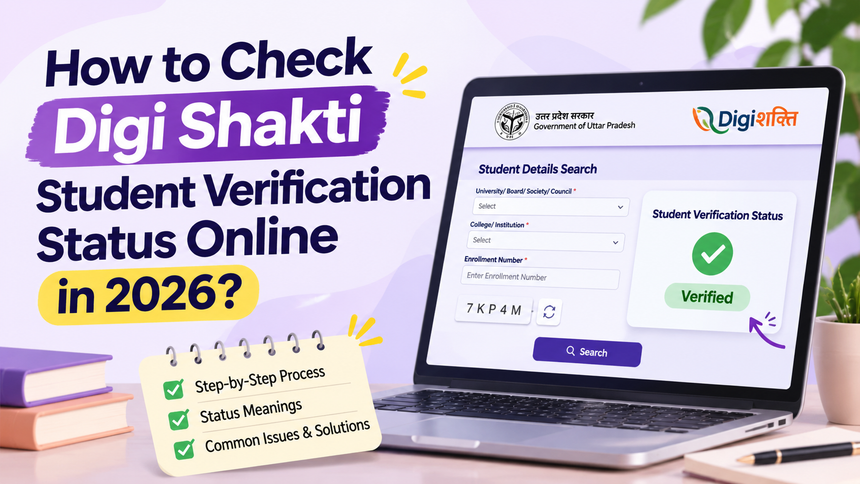
Checking your Digi Shakti student verification status is important if you have registered for the Uttar Pradesh Digi Shakti Scheme and are waiting for your free smartphone or tablet. The verification process helps students track whether their details have been submitted and processed through their educational institution.
If you’re wondering how to check your Digi Shakti student verification status online, this guide will walk you through the process step by step. We’ll also explain different status messages, common verification issues, and what you can do if your details are not showing on the portal.
Once your Digi Shakti student verification status is updated, you can stay informed about the next steps while exploring online learning resources and career opportunities through CareerGrowKaro Jobs.
What Is Digi Shakti Student Verification Status?
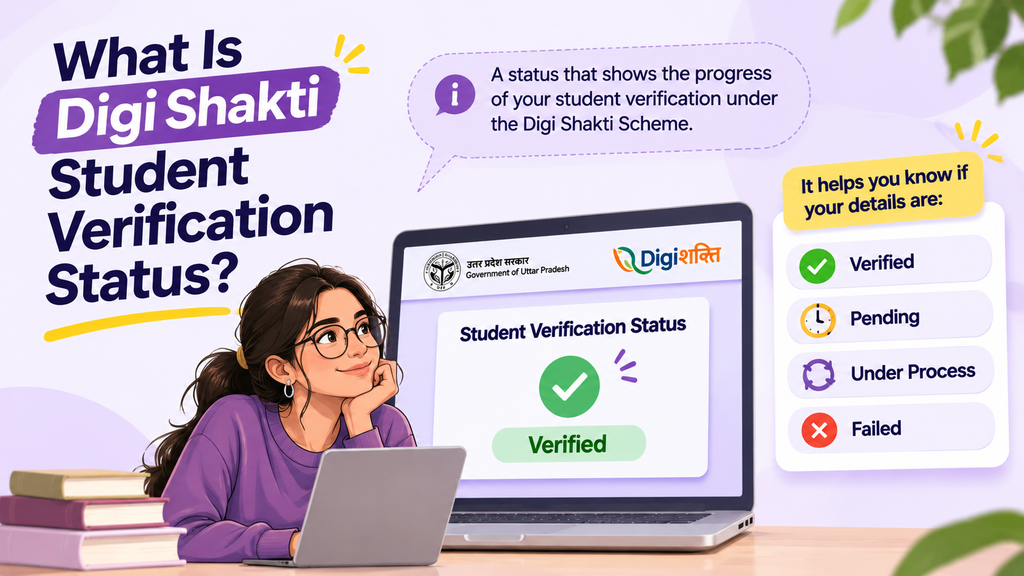
Digi Shakti student verification status refers to the progress of a student’s details submitted under the Uttar Pradesh Digi Shakti Scheme. It helps students understand whether their information has been uploaded, verified, or is awaiting further processing by the concerned authorities.
Checking your Digi Shakti student verification status is useful because it helps you:
- Track verification progress: Find out whether your student details have been processed.
- Identify pending steps: Understand if any verification or authentication is still required.
- Check information accuracy: Confirm that your academic and personal details appear correctly.
- Stay updated: Know whether your record is awaiting further institutional or departmental processing.
Students should regularly check their Digi Shakti student verification status on the official portal to stay informed and contact their college administration if they notice missing details or delays.
Remember, successful student verification does not automatically guarantee device allocation. Final distribution depends on the scheme’s eligibility criteria and applicable government guidelines.
If you’re new to the scheme and want to understand how student details are submitted, who is eligible and how the process works, read our detailed guide on the Digi Shakti Portal registration process. It covers the registration procedure, required documents, and device distribution stages.
How to Check Digi Shakti Student Verification Status Online?
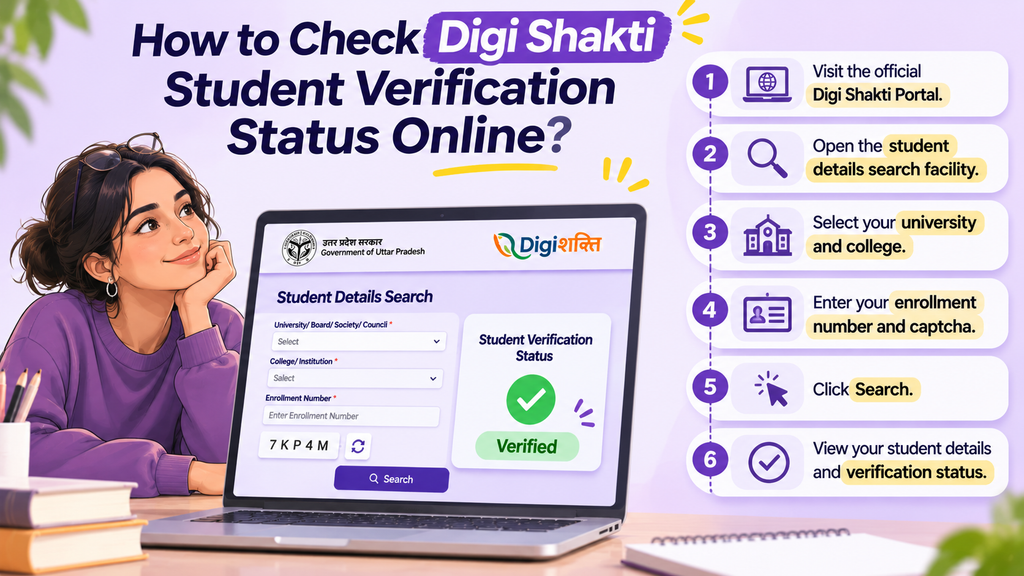
Students can check their Digi Shakti student verification status through the official portal by following these simple steps:
Step 1: Visit the Official Digi Shakti Portal
Open the official Digi Shakti Portal.
- Make sure you are visiting the official government website.
- Look for the student details search facility.
- Open the facility to begin checking your Digi Shakti student verification status.
Step 2: Open the Student Details Search Facility
Navigate to the student search option available on the portal.
- Select the relevant student search facility.
- Check that you are on the correct page before entering your details.
Step 3: Select Your University and College
Choose your educational institution from the available options.
- Select your university/board/society/council.
- Choose your college or institution.
- Ensure the selected details are correct to check your Digi Shakti student verification status.
Step 4: Enter Your Enrollment Number and Captcha
Provide the required student information.
- Enter your enrollment number correctly.
- Fill in the captcha displayed on the screen.
- Double-check the information before proceeding.
Step 5: Click on Search
Once you’ve entered the required details, click the Search button.
- The portal will look for your student record.
- If your details have been uploaded, the corresponding information should appear.
- If no record is found, contact your college administration for assistance with your Digi Shakti student verification status.
Step 6: View Your Student Details and Verification Status
After your record appears, check the displayed information carefully.
- Verify your name and academic details.
- Check the current verification status.
- Follow any instructions displayed on the portal if further action is required.
You can revisit the portal to track updates to your Digi Shakti student verification status.
What Details Do You Need to Check Your Digi Shakti Status?
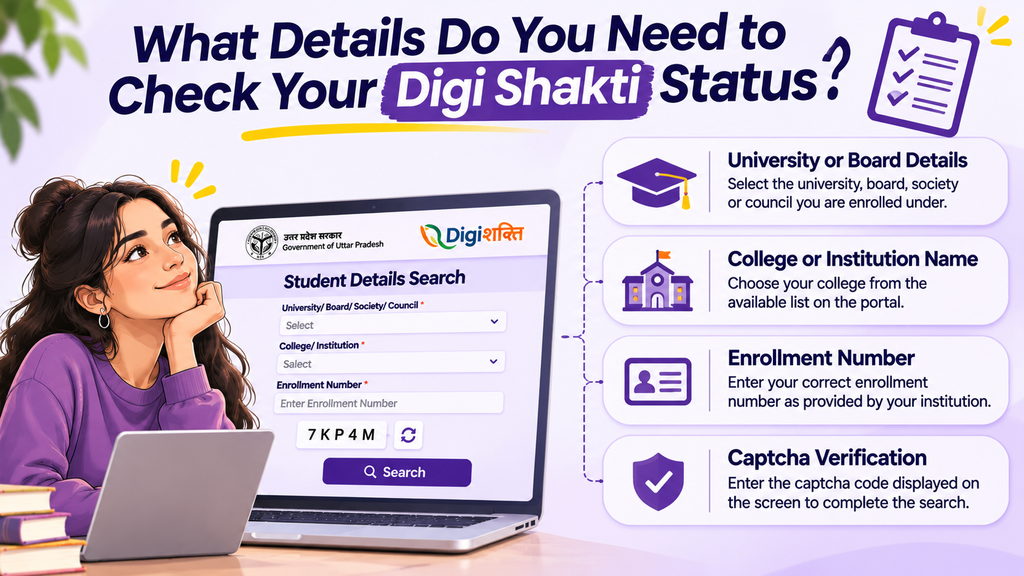
Before checking your Digi Shakti student verification status, keep the following details ready to avoid errors during the search process:
- University or Board Details: Select the university, board, society, or council under which you are enrolled.
- College or Institution Name: Choose your college from the available list on the portal.
- Enrollment Number: Enter your correct enrollment number as provided by your institution.
- Captcha Verification: Enter the captcha displayed on the screen to complete the search request.
Make sure all the information is accurate before proceeding. These details are required to retrieve your student record and check your Digi Shakti student verification status successfully.
If your record does not appear despite entering the correct information, contact your college administration to confirm whether your details have been uploaded. This can help you resolve issues with your Digi Shakti student verification status.
What Happens After Student Verification Is Completed?
Once your Digi Shakti student verification status is marked as verified, your record moves forward for further institutional and departmental processing. The next steps generally include:
- Institutional Processing: Your college checks the submitted student details and completes the required verification formalities.
- University Approval: The university or concerned authority reviews and processes the student records, wherever applicable.
- Department-Level Processing: Verified records may be forwarded for further processing, including department-level approval or department lock.
- Device Distribution: Eligible student records are considered for device allocation according to the scheme’s guidelines and distribution schedule.
Keep checking your Digi Shakti student verification status and stay in touch with your college for updates.
Important: Completing student verification does not guarantee immediate allocation of a free smartphone or tablet. Final selection and distribution depend on eligibility, institutional processing, and the applicable government guidelines.
Conclusion
Checking your Digi Shakti student verification status regularly helps you stay informed about your application and identify any pending verification steps. Make sure your academic details are correct and contact your college administration if you face issues or notice delays.
Once your Digi Shakti student verification status is updated, keep track of further institutional approvals and device distribution announcements. Meanwhile, make the most of your digital learning journey by exploring online courses, developing practical skills, and discovering career opportunities through CareerGrowKaro.
Remember, a verified record is an important step in the process, but Digi Shakti student verification status alone does not guarantee immediate smartphone or tablet allocation.
Frequently Asked Questions
1. How can I check my Digi Shakti student verification status online?
Visit the official Digi Shakti Portal, open the student details search facility, select your university and college, enter your enrollment number and captcha, and click Search.
2. What details are required to check Digi Shakti student verification status?
You need your university or board details, college name, enrollment number, and the captcha displayed on the portal.
3. Why is my Digi Shakti student verification status not showing?
Your institution may not have uploaded your student details yet, or the information entered may be incorrect. Check your enrollment number and contact your college administration if the issue continues.
4. What does “Pending” mean in Digi Shakti student verification status?
Pending generally indicates that your student record is available, but a required verification step is incomplete. Check the portal for further instructions.
5. What does “Verified” mean in Digi Shakti student verification status?
Verified means the relevant verification has been completed successfully. Your record may still require further institutional or departmental processing.
6. What does “Under Process” mean in Digi Shakti student verification status?
Under Process indicates that your student record is awaiting further processing by the concerned institution or department. Contact your college for an update if the status remains unchanged.
7. Can I check my Digi Shakti student verification status using my Aadhaar number?
The student search facility generally requires your university, college, and enrollment details. Aadhaar authentication is a separate verification step completed through the portal’s e-KYC facility.